Pick a bar POS on speed, open tabs and a cash drawer that balances
The short answer: a POS system for a café or bar has to get three things right. Ringing up a beer or a round in one or two taps, even with three rows of people at the bar. Letting a group drink on one open tab all evening and settling it in one go, or split, at the end. And producing a day close where any cash difference can be traced back to an action and a staff member. Everything else, from floor plans to kitchen screens, is useful in a bar but not the reason to choose.
A restaurant POS and a bar POS are often the same product set up differently. The difference is in what you put on the first screen, how you handle open tabs and how quickly a new hire can stand behind the bar without a briefing. Below you walk through the points that matter in a café or bar, with what it costs per month.
The first screen sets your pace
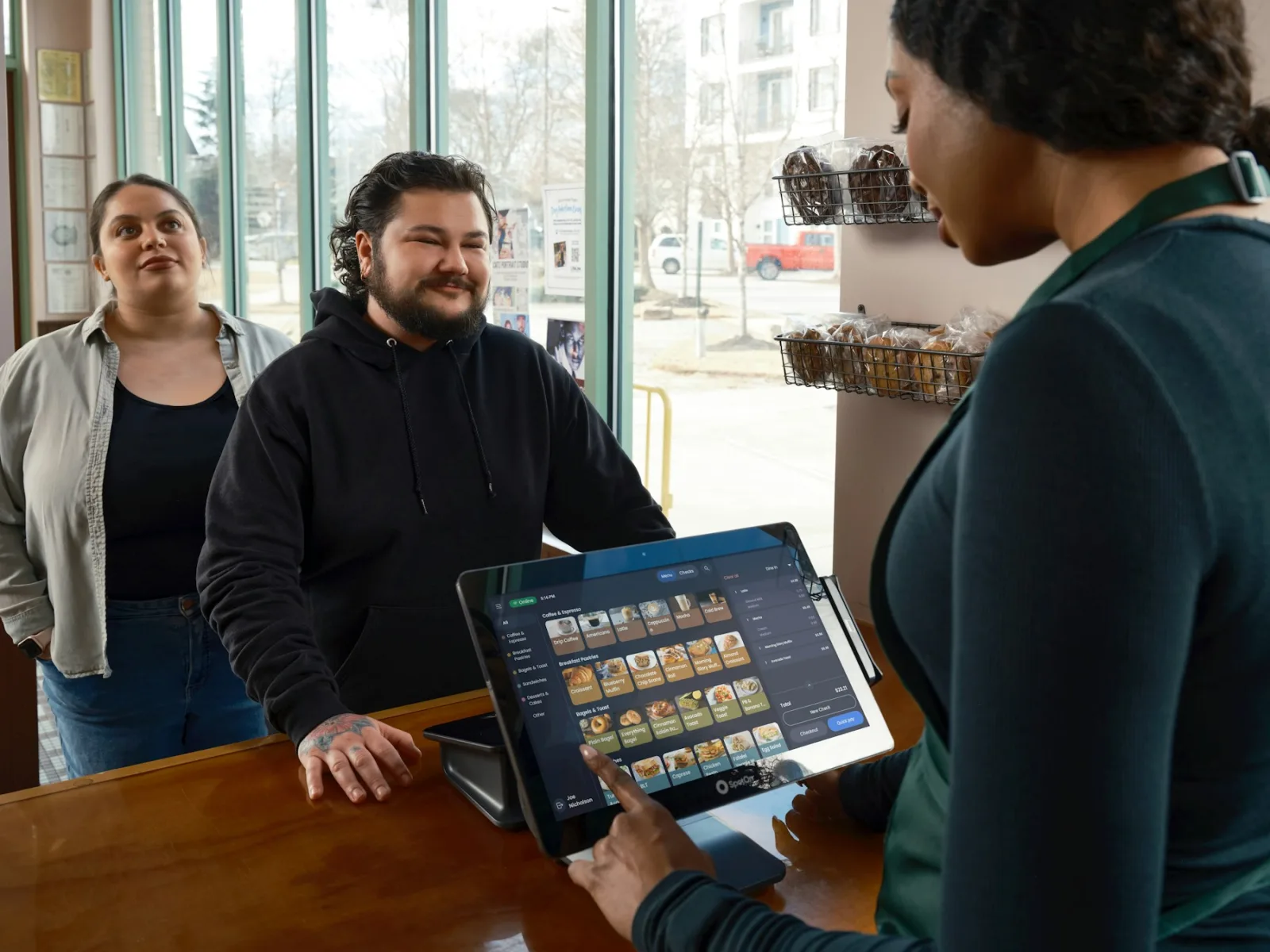
Behind a bar on a Friday night you ring up the same things hundreds of times: lager, craft beer, wine, soft drinks, coffee. If those are not on the first screen, your bar staff dig through categories while the queue grows. So check that you decide what goes up front and in which order, and that you can set it up per venue or even per till: the terrace sells different things than the bar inside.
The second time saver is ringing up by quantity. Six lagers for a table go in as one line with quantity six, not six separate taps. In Deskly you build the first screen yourself in Horeca Manager and ring up rounds by quantity. How to set up products, variants and prices is in [Managing products and prices](/en/kb/horeca-manager/producten-en-prijzen-beheren).
Open tabs and rounds without the hassle
A group of eight orders five times in an evening, from three different staff members. In a POS that only knows single receipts, that produces five slips and an argument at the end about who had what. A bar POS keeps one running tab per group, adds every round to it and lets you settle in one go or split at the end.
Splitting is less of an exception in a bar than in a restaurant. Four friends each paying for their own drinks is normal, and it has to work without mental arithmetic at the bar. Check whether a POS can split by item, in equal parts and by a custom amount, and whether a split bill also goes to the card terminal in parts. In Deskly that works from the bill itself; the steps are in [Splitting a bill](/en/kb/kassa/rekening-splitsen).
Card payments linked to the POS, so nobody retypes an amount
A standalone card reader where staff key in the amount is the biggest source of cash differences in a bar: 24.50 becomes 25.40, and you only notice at the day close. A linked terminal gets the amount straight from the POS, the guest taps their card and the payment lands on the right tab. Deskly connects with payment solutions from Mollie, CCV and PinDirect; which terminal suits a bar is covered in [Choosing a card terminal for hospitality](/en/blog/pinterminal-horeca-kiezen).
Cash still exists in plenty of cafés, certainly with an older crowd or in a village. A bar POS has to handle cash, card and a mix of both on one tab, and record tips separately from revenue so you can share them out fairly at the end of the week. If you want to drop cash altogether, read what that means first in [Cashless payments in hospitality](/en/blog/cashless-betalen-horeca).
A cash difference has to be traceable
Eleven euros out at the end of the night is not a disaster in itself. The problem is when you cannot see where it came from. Look for a POS that logs every action: who rang it up, who deleted a line, who reopened or voided a bill. Then a difference is a matter of looking back instead of guessing.
That also calls for a personal login per staff member and permissions per role. The regular bartender may correct and count the drawer, the weekend hire may not. In Deskly you set that per role, with a PIN for actions that need approval; see [Adding staff and setting permissions](/en/kb/kassa/medewerkers-en-rechten). The day close itself, from X report to Z report with the cash difference, is in [Closing the day in hospitality](/en/blog/dagafsluiting-horeca-kassa). That Z report is also what you keep for the Dutch tax authority; more on that in [POS data retention rules in the Netherlands](/en/blog/pos-data-retention-rules-netherlands).
Happy hour, draught sizes and VAT without mental arithmetic
A bar has a few pricing rules of its own. Happy hour from five to seven, a beer list with small and large glasses of the same product, and the VAT line between alcohol-free and alcoholic. A good bar POS handles that in the setup, not at the bar. A promotional price with a start and end time is applied by the POS itself, so nobody has to remember the old price at seven o'clock. Sizes of the same beer go in as variants of one product, so your reporting per beer adds up instead of being scattered over separate items.
VAT should be attached to the product. Under Dutch rules, beer above 0.5% alcohol, wine and spirits fall under 21%, while soft drinks, coffee, juice and 0.0 beer fall under 9%. Set that correctly and the breakdown per rate comes out of your daily report, with no calculation left for the return. The full rules, including bar snacks and packages, are in [VAT in Dutch hospitality: when 9% and when 21%](/en/blog/vat-rates-hospitality-netherlands-9-or-21-percent).
What a café POS system costs per month
For a café that mostly sells at the bar, the entry plan is usually enough. Deskly Start is €75 per month excluding VAT and includes the POS with tables on iPad and iPhone, the product catalogue, bill splitting, cash and card, separate tips, working offline and the day close with VAT per rate. If you want to draw your own floor plan for inside and terrace, staff with their own roles, detailed reporting per product and category, or an export to your accounting package, Basis is the next step at €150 per month excluding VAT. All plans can be cancelled monthly; pay yearly and you get 15% off.
Hardware comes on top. A bar POS runs on an iPad, with a receipt printer for the guest who wants a receipt and a cash drawer that opens through the printer. You can buy that or lease it from €65 per month excluding VAT, iPad with mobile data included. A second till for the terrace is simply another iPad or iPhone on the same venue in Deskly, with no extra software charge. A card terminal is arranged with your payment provider; those costs are separate from the POS.
Frequently asked questions
Which POS system suits a small café?
An iPad POS with a freely arranged first screen, open tabs per group, bill splitting and a linked card terminal. For a small café without a kitchen, an entry plan such as Deskly Start (€75 per month excluding VAT) is generally enough.
Can I leave a tab open all evening?
Yes. You open a tab on a table, every round is added and you settle when the group leaves. If someone forgets to settle, you see it at the day close as an open bill.
How do I prevent cash differences at the bar?
Link the card terminal to the POS so nobody retypes amounts, give every staff member their own login, and record cash in and cash out during the day. Then any difference at the close can be traced to an action.
Does the POS keep working if the wifi drops?
Yes. You keep ringing up and the POS syncs as soon as the connection is back. Only a linked card terminal needs a connection for the payment itself; ask your payment provider how the terminal handles that.
Trial it on a busy night first
The best test for a bar POS is a busy evening: load your own menu, let the bar team work a shift with it and see whether the queue gets shorter and the drawer balances. You can do that with Deskly free for 30 days on your own iPad, and for a receipt printer, cash drawer or iPad with data, see the [hardware page](/en/hardware).