The payment methods a hospitality business actually needs
Most restaurants, cafés and bars get by with four payment methods: card and contactless at the table or the bar, cash, online payment (iDEAL in the Netherlands) for orders placed in the webshop, and gift cards. Some venues add credit cards. Under Dutch rules you decide which payment methods you accept, as long as you make that clear to guests up front. The real question is not which methods exist, but which ones your restaurant POS system can handle without friction: every method has to land on the right pile in your end-of-day report.
Card and contactless: the foundation, ideally linked to the POS
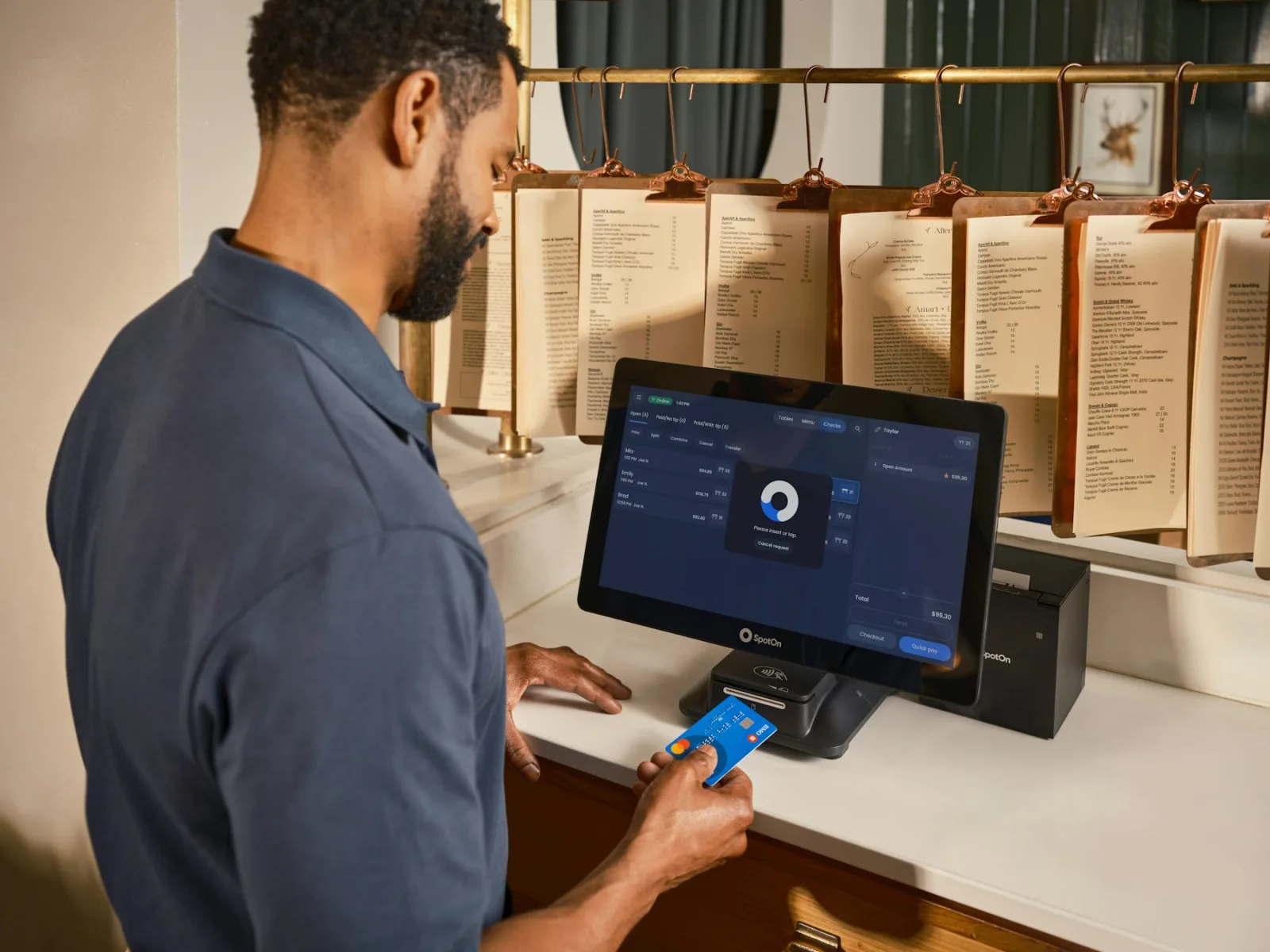
Paying by card, phone or watch is the biggest flow in most venues. The key decision is not the brand of terminal but the connection: does your staff type the amount into the terminal, or does the POS send it?
With an integrated terminal you tap pay in the POS, choose card, and the amount appears on the terminal. Once the payment goes through, the bill is closed automatically. With a standalone terminal, the server types the amount. That works fine on a quiet Tuesday; on a busy Friday 24.50 becomes 42.50 at some point, and you only find out at closing.
Deskly POS integrates with terminals from Mollie, CCV and PinDirect; you can keep a standalone terminal alongside, with the server confirming the payment manually. The setup and a test payment are described in [Connecting a card terminal to the POS](/en/kb/kassa/pinautomaat-koppelen). If you are weighing a mobile terminal against a countertop model, read [Choosing a card terminal for hospitality](/en/blog/pinterminal-horeca-kiezen).
Cash: not mandatory in the Netherlands, but worth organising properly
Many owners ask whether they can refuse cash. Right now that is your call: a card-only venue is allowed, as long as guests know in advance. Keep an eye on upcoming legislation, though. The Dutch government is preparing a legal obligation to accept cash for counter payments, with proposed exceptions such as the night hours between 22:00 and 06:00 and small businesses. In early 2026 the finance minister committed to aligning that obligation with European rules, which means it will not take effect in 2027 as originally planned. Check the latest from the hospitality association KHN or the Dutch government before you go card-only for good.
If you accept cash, closing time is your control moment. A POS that tracks takings per payment method shows what should be in the drawer. In Deskly POS you enter what the guest hands over for a cash payment; the POS works out the change and shows it large on screen. Cash tips belong in the drawer, because the POS counts tips at closing. More on that in [End-of-day closing in hospitality: a practical checklist](/en/blog/dagafsluiting-horeca-kassa).
On large cash amounts: since 1 January 2026, cash payments of 3,000 euros or more for goods are prohibited in the Netherlands. Hospitality services are not covered by that ban; for an average venue this rarely comes up.
Credit cards: accept them or not
Credit cards matter mostly if you serve many international guests, hotel guests or business dinners. Under Dutch rules you may refuse credit card payments if you make that clear in advance. What you may not do is add a surcharge for consumers paying by credit card; that has been banned since the European payment directive PSD2. So either build the cost into your prices or do not accept them. Which cards your terminal takes and at what rate depends on your payment provider; ask before you put a sticker on the door.
iDEAL and online payment: for the webshop, and soon via Wero
Orders guests place at home for pickup or delivery are paid online. In the Netherlands that means iDEAL. With your own ordering site the guest pays when completing the order and the ticket comes out of the kitchen printer. Nothing to process at the counter, just hand it over. In Deskly POS the webshop with iDEAL and gift cards is part of the Basis plan; the settings are covered in [Setting up your webshop](/en/kb/horeca-manager/webshop-instellen).
Worth knowing: iDEAL is being folded into the European wallet Wero. Since 29 January 2026 the combined iDEAL|Wero logo appears at checkout, and Dutch banks expect iDEAL to disappear by the end of 2027. For you as a business the transition runs through your payment provider, and guests keep paying as usual in the meantime. Ask your provider what changes in your webshop.
Gift cards and discount codes as payment
A gift card is essentially a prepayment: the money is already in, the guest comes to eat later. What matters is that your POS treats the card as a payment method, so the balance is deducted and any remainder stays available for a next visit. In Deskly POS a gift card is redeemed at the POS via the Gift card payment method; you create the cards in Horeca Manager, see [Promotions, discounts and gift cards](/en/kb/horeca-manager/acties-kortingen-en-cadeaubonnen).
A discount code is not a payment method; it lowers the bill total. Keep the two apart in your books: a discount is less revenue, a gift card is revenue that was paid earlier.
Mixed payments and splitting the bill at the table
The table of six wants to split: two pay together by card, one pays cash, and the rest settle a gift card topped up with a card payment. A POS that allows only one payment method per bill makes a mess of this. Choose a restaurant POS that allows a different method per partial payment and keeps showing what is still open.
In Deskly POS you split by item (four of the eight beers) or by amount, with buttons to divide equally by two to five. Each partial payment gets its own payment method. The details are in [Splitting a bill: by item or by amount](/en/kb/kassa/rekening-splitsen).
Keeping the overview per payment method
Whatever you offer, the POS must show takings per payment method at the end of the day: cash, card, online and other. You compare that with the drawer and your terminal statement. If you use a bookkeeping integration, those receipts go to the right ledger account per method: cash, card/credit card, online/webshop and other. How to set that up for Moneybird, e-Boekhouden, SnelStart or Exact Online is in [Bookkeeping integration](/en/kb/horeca-manager/boekhoudkoppeling).
Frequently asked questions
Can a hospitality business in the Netherlands accept card only?
Yes, for now you decide which payment methods you offer, as long as you make that clear to guests in advance. A legal obligation to accept cash is in preparation, but its introduction is waiting on European rules. Follow KHN or the Dutch government before you drop cash for good.
Can I charge extra when a guest pays by credit card?
No. A surcharge for consumers paying by credit card is banned. You may refuse credit cards altogether, provided you make that clear beforehand.
Will iDEAL still work in my webshop now that Wero is coming?
Yes. iDEAL keeps working for now and is gradually merging into Wero; since January 2026 you see the iDEAL|Wero logo. Banks expect iDEAL to disappear by the end of 2027. The transition runs through your payment provider.
Can one bill be paid with several payment methods?
In Deskly POS, yes. You split by item or by amount and choose the payment method per partial payment: card, cash or gift card. The POS keeps showing what is still open and closes the bill once everything is paid.
Which card terminals work with Deskly POS?
Deskly POS integrates with terminals from Mollie, CCV and PinDirect. A standalone terminal from another provider can still be used; the server then confirms the payment manually in the POS.
Get your payment methods right first
Which payment methods you choose depends on your guests: a lunchroom on a shopping street has different needs from a hotel bar or a caterer. What does not differ is that every method has to add up in your POS at the end of the day. To see how card, cash, gift cards and splitting work in practice, you can try Deskly POS free for 30 days, no credit card needed and cancel monthly.