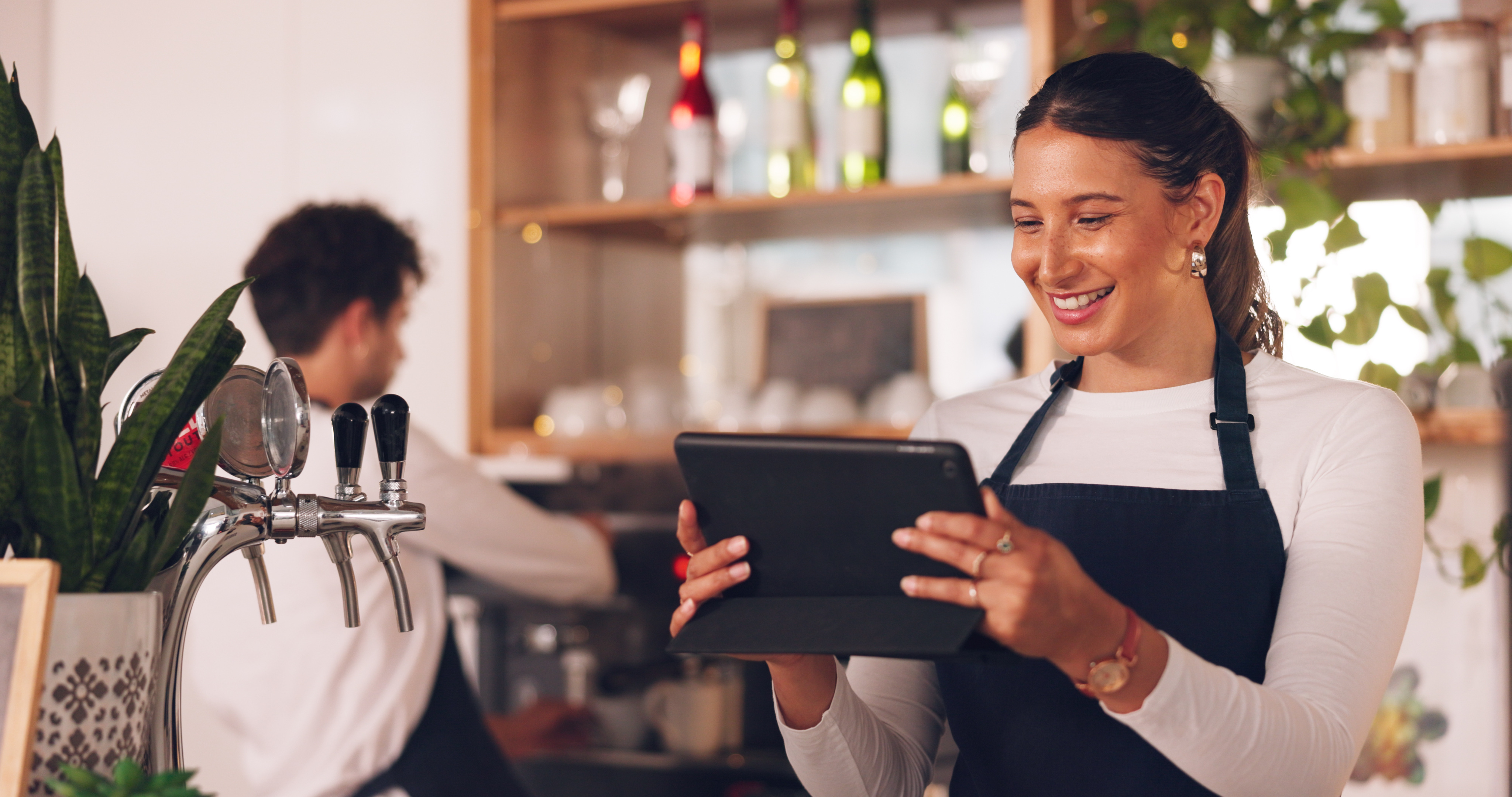
A mobile POS is a register in your hand: orders at the table, payments on the terrace and sales wherever you stand
The short answer: a mobile POS for restaurants, cafés and bars is a register app on an iPad or iPhone that you carry to the guest. You take the order at the table, send it straight to the kitchen or the bar, take payment on the spot with a connected card terminal, and everything lands in the same daily close as the fixed register behind the bar. If the internet drops, the register keeps working and syncs as soon as the connection is back. You do not need a separate "mobile edition" or an extra subscription: in Deskly, an additional iPad or iPhone is simply another register on the same venue.
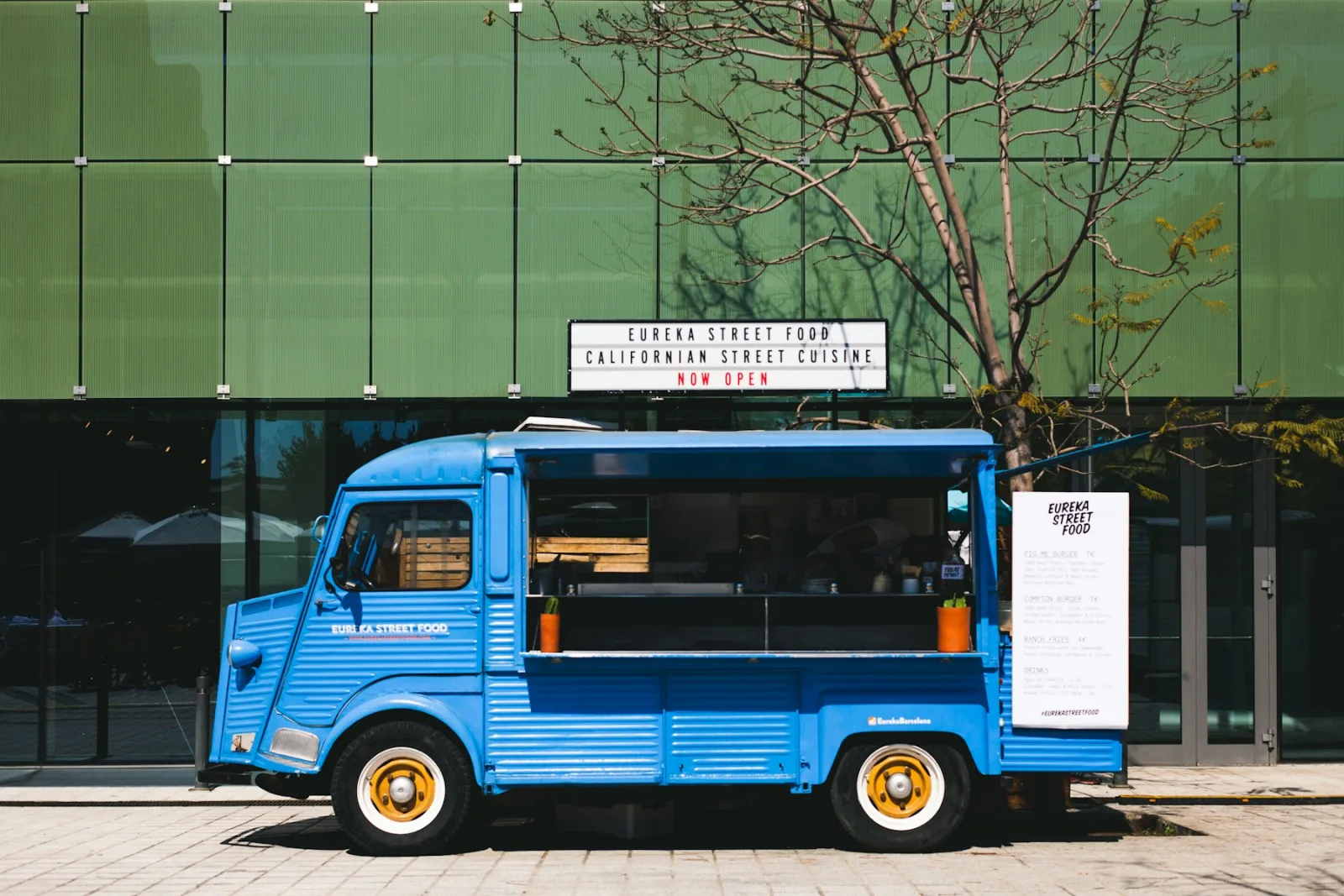
That makes a mobile POS useful well beyond the food truck: a restaurant with a large terrace, a café that wants to clear a second queue on Saturdays, a beach bar, a hotel pool bar or a caterer at a corporate event. Below: what a mobile POS does differently, which device to use for what, how to handle card payments and connectivity, and what it costs.
What a mobile POS does differently from a fixed register
With a fixed register, the staff member walks to the screen. With a mobile POS, the screen goes to the table. The difference is not in the features: in a good cloud POS it is the same tables, the same menu and the same bill, whether you open it on the iPad on the counter or on the iPhone in your apron. The difference is the walk that disappears: take the order, go to the bar, key it in, walk back, and then the whole loop again at payment time.
On a terrace it looks like this. The server takes two beers and a toastie at table 12 and taps send. The toastie appears on the kitchen printer or kitchen display while the bartender is already pouring. At payment time the same server opens table 12 on the iPhone, splits the bill if two guests want to pay separately and presents the amount on the card terminal. No paper slip, no re-keying, no second trip inside. How tables and table states work in the register is covered in [Table overview for your restaurant](/en/blog/tafeloverzicht-restaurant).
iPad or iPhone: which device for what
Both can do everything, but they sit differently in the hand. An iPad mini or an 11-inch iPad is comfortable on a terrace where you take longer orders per table and want the whole menu in view. An iPhone fits in an apron and is fastest when the staff member is mostly on the move: topping up drinks, taking payments, clearing a queue. The Deskly app runs on any iPad or iPhone with iPadOS or iOS 16 or newer, so you can often start with the device you already own.
A practical rule of thumb: one fixed iPad on the bar for the daily close, the cash drawer and the receipt printer, plus an iPhone or iPad mini for every staff member who works the floor. Which iPad suits which venue is covered in more detail in [iPad POS system for hospitality](/en/blog/horeca-kassasysteem-ipad).
Card payments at the table: connect the terminal, or you will be re-keying amounts
A mobile POS without a connected card terminal is half a solution. The server still walks around with a standalone terminal and types in the amount, and every typo shows up as a cash difference at night: 24.50 becomes 42.50 and you only notice at the close. Connect the terminal to the register so the amount comes straight from the bill and the guest just taps their card or phone. Deskly integrates with payment solutions from Mollie, CCV and PinDirect. You can keep using an existing standalone terminal, but then you confirm each payment manually in the register and the typos remain. How to set up and test the connection is in [Connecting a card terminal to the register](/en/kb/kassa/pinautomaat-koppelen).
Several terminals, say one at the bar and one for the terrace, are all added with a default terminal per location. Which terminal suits which kind of venue is covered in [Choosing a card terminal for hospitality](/en/blog/pinterminal-horeca-kiezen).
Wi-Fi, mobile data and what happens when the connection drops
The question every owner asks before the register goes outside: what if the Wi-Fi does not reach the terrace? Two things to arrange. First, coverage: an access point that reaches the furthest table, or an iPad with its own data connection so you do not depend on the neighbours' Wi-Fi. Second, a register that keeps working when the connection drops anyway. In Deskly you simply keep ringing up; once the connection is back, everything syncs by itself.
At a market, festival or corporate event this matters even more. Test coverage beforehand, have a hotspot ready and decide what you do if the card terminal has no connection: it needs its own connection to approve a payment, independent of the register. How a food truck sets up its hardware and network is covered in [POS system for your food truck](/en/blog/kassasysteem-foodtruck).
One daily close for inside, terrace and location
The biggest advantage of a mobile POS that belongs to the same venue is that nothing has to be counted separately. Orders from the iPad inside, the iPhone on the terrace and the iPad in the truck all land in the same revenue, the same VAT split per rate and the same daily close. Tips stay visible separately from revenue. On the plan with staff roles you also see who rang up what.
That is also what the Dutch tax authority expects from your POS records: one complete overview of all sales, not a loose terrace register nobody can account for. How the close works and what to do with a cash difference is in [Daily close in hospitality](/en/blog/dagafsluiting-horeca-kassa); what you must keep is in [POS data retention rules in the Netherlands](/en/blog/pos-data-retention-rules-netherlands).
What a mobile POS costs
In Deskly a mobile POS is not a separate product. The Start plan costs €75 per month excluding VAT and includes the register on iPad and iPhone, tables, bill splitting, cash and card on one bill, tips tracked separately, offline operation and the daily close with VAT per rate. An extra iPad or iPhone on the same venue is an extra register without a separate subscription. If you want kitchen tickets or a kitchen display, staff with their own roles, your own floor plan for inside and terrace or detailed reporting, Basis is the next step: €150 per month excluding VAT. All plans can be cancelled monthly; pay yearly and you get 15% off.
Hardware can be bought or leased from €65 per month excluding VAT, including an iPad with data. A card terminal is arranged with your payment provider; those costs are separate from the register. A portable Bluetooth receipt printer is handy for guests who want paper; a receipt by email is often enough.
Frequently asked questions
Can I use an iPhone as a POS?
Yes. Deskly runs on iPhone and iPad with iOS or iPadOS 16 or newer. An iPhone works best as a second register for ordering and paying at the table; the fixed register with cash drawer and receipt printer is usually still an iPad.
Does a mobile POS work without internet?
In Deskly it does: if the connection drops you keep ringing up and the register syncs once it is back. The card terminal does need its own connection to approve a payment, so on location make sure you have a hotspot or a terminal with its own data.
Do I need a separate subscription for a second device?
No. An extra iPad or iPhone on the same venue is an extra register within the same subscription, and everything lands in the same daily close.
Which card terminal suits mobile payments?
A terminal that is connected to the register, so the amount never has to be re-keyed. Deskly integrates with payment solutions from Mollie, CCV and PinDirect. A standalone terminal works too, but then you confirm each payment manually in the register.
Try it on your own phone
The simplest test is a Saturday night: load your menu into the register, sign in on an iPhone and let one staff member take orders and payments at the table for a whole shift. You can do that with Deskly free for 30 days; for an iPad with data, a connected card terminal or a portable receipt printer, see the [hardware page](/en/hardware).